Some great tools I’ve discovered or received from friends:
If I have seen further than others, it is by standing upon the shoulders of giants. ~ Sir Isaac Newton
Organizing:
- Make a FREE website- It’s actually pretty simple. I love Weebly and WordPress — both are free or for about $30/year if you choose your domain name (hence, SarahPendergast.com 🙂 & http://www.MsPmathclass.com). Drag & drop, update your own, add a blog or pages for different needs. It’s surprisingly intuitive. Block out a few hours at first then thirty minutes a day for a bit and you’ll pick it up quickly.
-It’s really very easy– pick a template and add piece by piece
-Engage others to help you add content
-I’ve found the two to be pretty interchangable. WordPress works a little more quickly somehow.
WordPress & Weebly
- Google Drive-
I mean… you know it. I’m a sucker for organized and embedded folders and some quality color-coding. I just figured out how to “track changes” on Google Drive which is clutch for collaborating. I also love updating spreadsheets from my smartphone while on the train #nerd. I made a budget from a free spreadsheet template– wish me luck!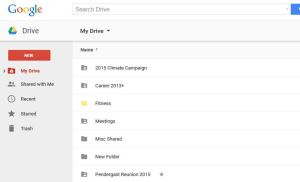
Google Drive
- Feedly- Someone once told me about their “RSS feed” and I had no idea what gibberish that meant. Until one day I asked a coworker “do you know what an RSS feed is” and they were like “yeah, it’s easy, let me show you Feedly” and it took legit 2 minutes. End of story. Feedly– or a prettier RSS feed tool– is a way to stay up to date on news sources and topics I’m passionate about. It automatically updates stories from sources of your choice in an easy-to-read (and easy-to-share) format. It also makes me feel smart when I can be like “yeah, I read that [breaking news mindblowing issue] this morning.”-I organize by topic and scroll through during my morning commute and while eating my PB&J (yes, that’s my lunch. and no, my mom didn’t make it). BONUS: And for anything that I can sign into via my gmail account, I’m a fan.

Feedly newsfeed
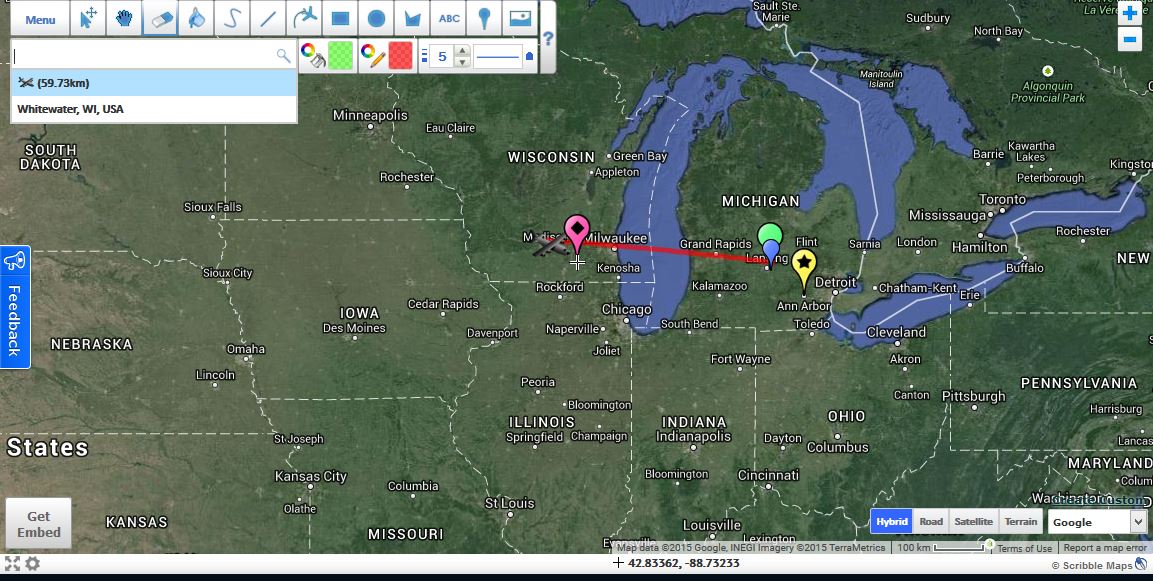
- MAPS! Make maps, tag locations, color-code it: Scribble Maps
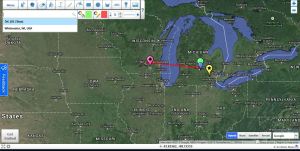
Scribble Maps example #PureMichigan #grandma’s
- What else do you love? Let me know!



Education:
- ThatQuiz- choose the topic, choose the level of question, assign, and let go! Students get immediate feedback at their own pace and the teacher can keep track of student understanding via a back-end spreadsheet. Love it!
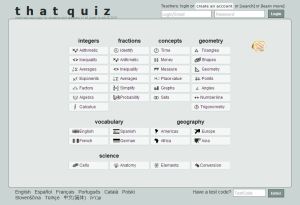
ThatQuiz.org – choose a topic and a difficulty level & make practice for students
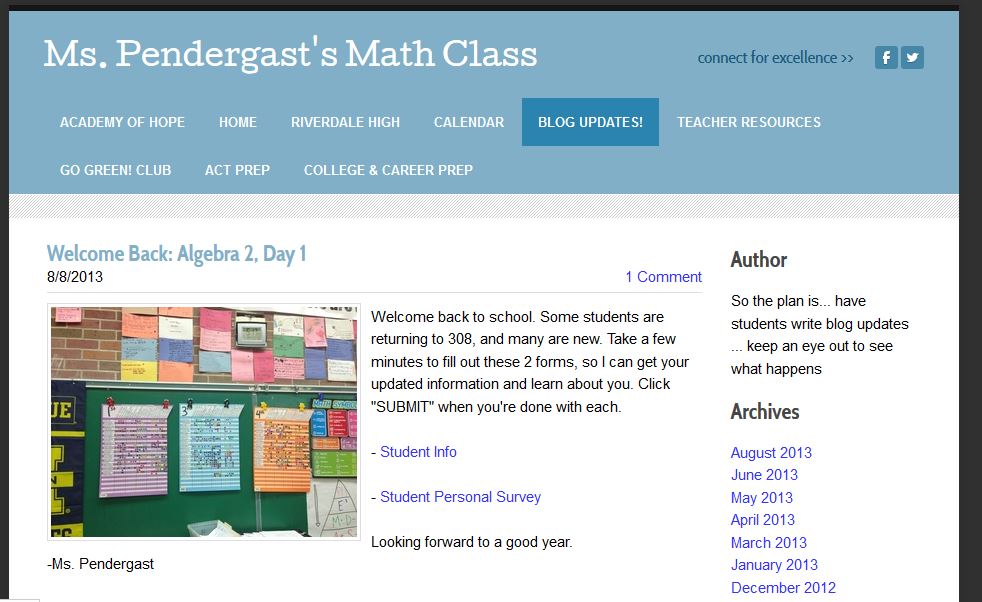
- I ❤ Math- Check out my website, MsPmathclass.com! I used the “blog updates” page for daily assignments, especially for computer lab days. I stored worksheets, study guides, examples, and suggested websites. It worked great for when students were absent or wanted extra practice outside of class.READY FOR MORE?! I embedded a Google calendar at the bottom of each page and synced it with a Twitter and Facebook feed.

MsPMathclass.com class website
- What else do you love? Let me know!

 Sarah Pendergast
Todoist is a good one for organising tasks. You can also assign tasks to other people with todoist 😉
LikeLike
Great post! I love it. I even saw some of these in action while I was teaching with you. I’m glad to see you found more interesting and useful things. Thanks for sharing!
LikeLike
You make it all sound so easy lol I can’t figure out even how to organize my emails.
LikeLike